

14,99 €

Enlaces patrocinados
|
|
14,99 € |
Ver oferta
|

|
14,99 € |
Ver oferta
|
| COMPARAR TODAS LAS TIENDAS WEB (2) | ||
 Descripción
Comparar tiendas web (2)
Enlaces patrocinados · Algunas tiendas nos pagan una remuneración
14,99 €
14,99 €
Tiendas con otras tallas
Descripción
(1)
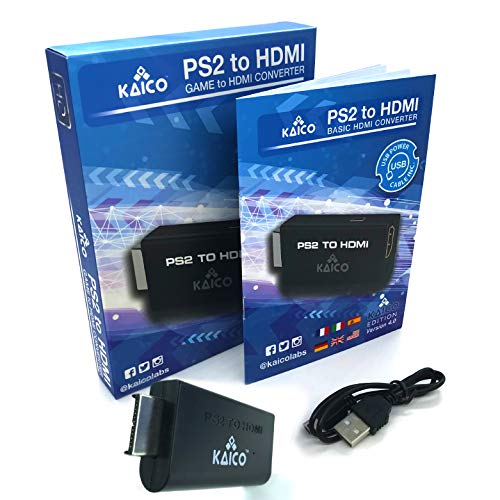
YOU MUST change the DISPLAY output on your PS2 to get component video output: Y Cb Pb Pb Cr Br' before first use SUPPORTED RESOLUTIONS - 480i, 480p and 576i (for all TV and monitors) TRUE PLUG & PLAY - Simply plug the HDMI adapter directly into your Playstation 2 (AV port) and connect a standard HDMI cable to the adapter and then to your TV. FOR HEADPHONES - If you like to play with headphones, they can be connected to the converter with a standard 3.5mm jack cable. NOTE - Set the PS2 component video output to #Y Cb / Pb Cr / Br # before using the converter
 Resultados relacionados
 Especificaciones del producto


